ADLINK-IST Connected Factories > DEX > Disable Mouse accelerator
How to turn off the Mouse accelerator?
- Step0: Disable Mouse accelerator by UI
- Step1: Run the Registry Editor
- Step2: Change the Mouse speed setting
Disable Mouse accelerator by UI
Wake up the Mouse Properties and disable the “Enhance pointer precision”
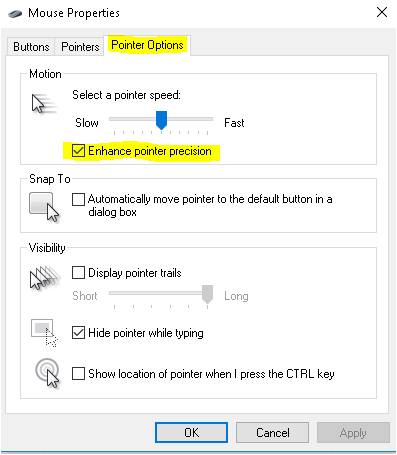
Path:Control Panel\All Control Panel Items\Mouse
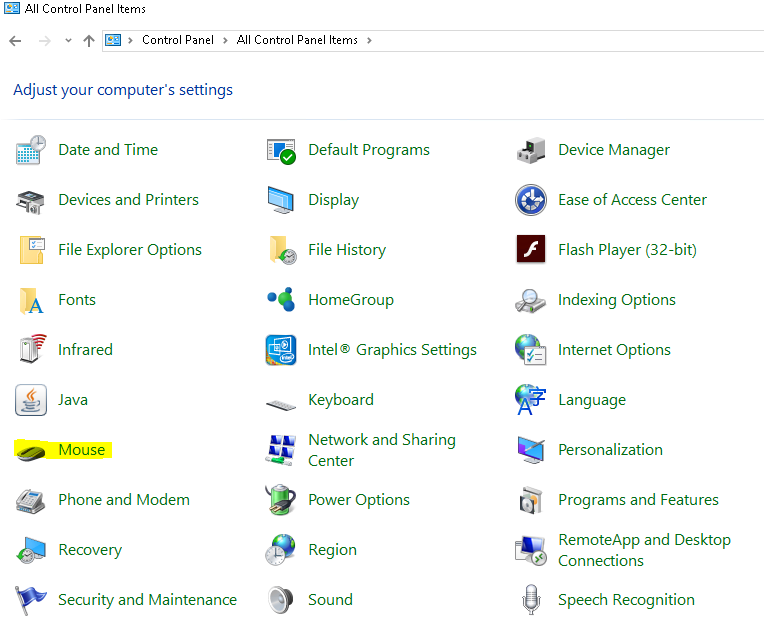
Please follow the next step if you can’t find the UI of Mouse properties.
Run the registry editor
Using the hot-ky “Win+R”
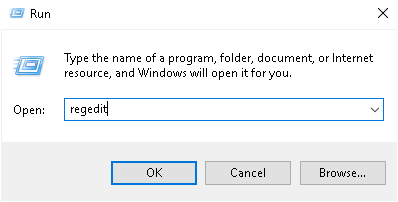
Wake up the Registry Editor
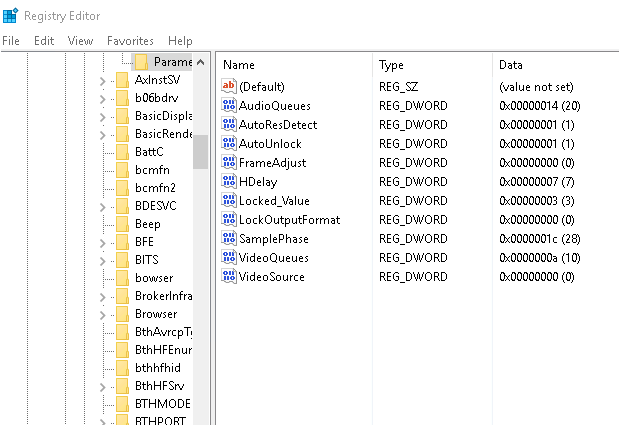
Change the mouse speed setting
Edite the Mouse speed setting from 1 to 0. Define 1 = Enable 0 = Disabl
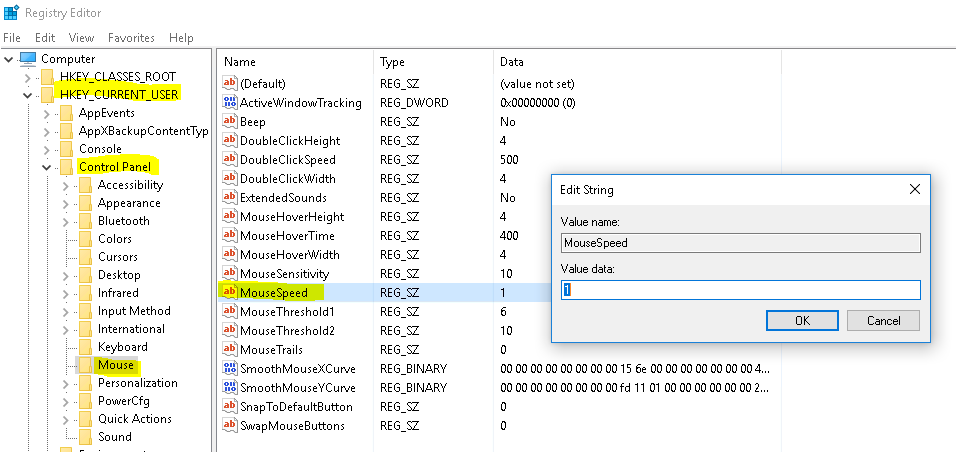
Path:HKEY_CURRENT_USER\Control Panel\Mouse\MouseSpeed